Google Tag Manager: How to add users
Feb 26, 2024●
1
Navigate to your Google Tag Manager Account https://tagmanager.google.com
2
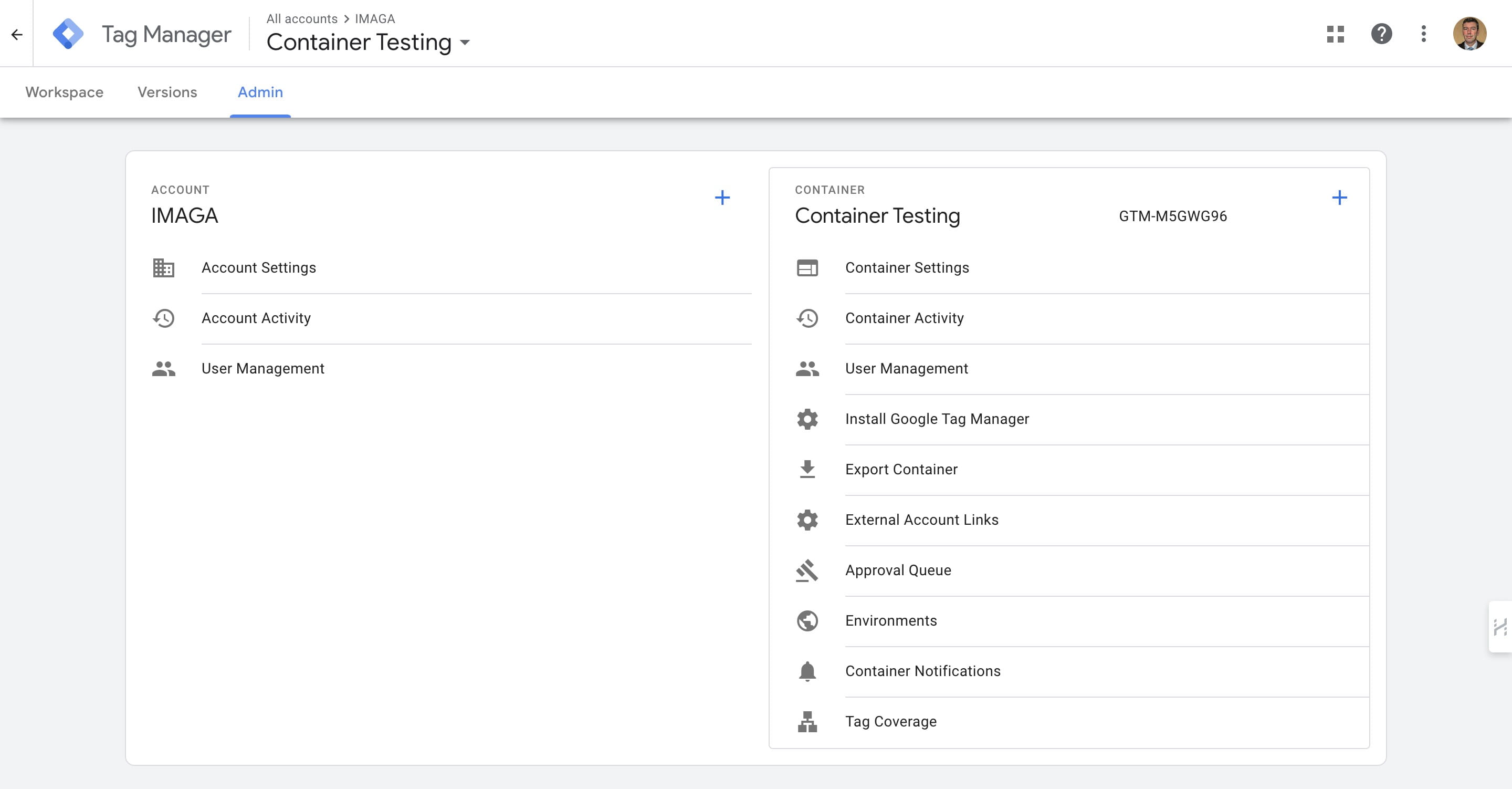
Click on "Admin"
3
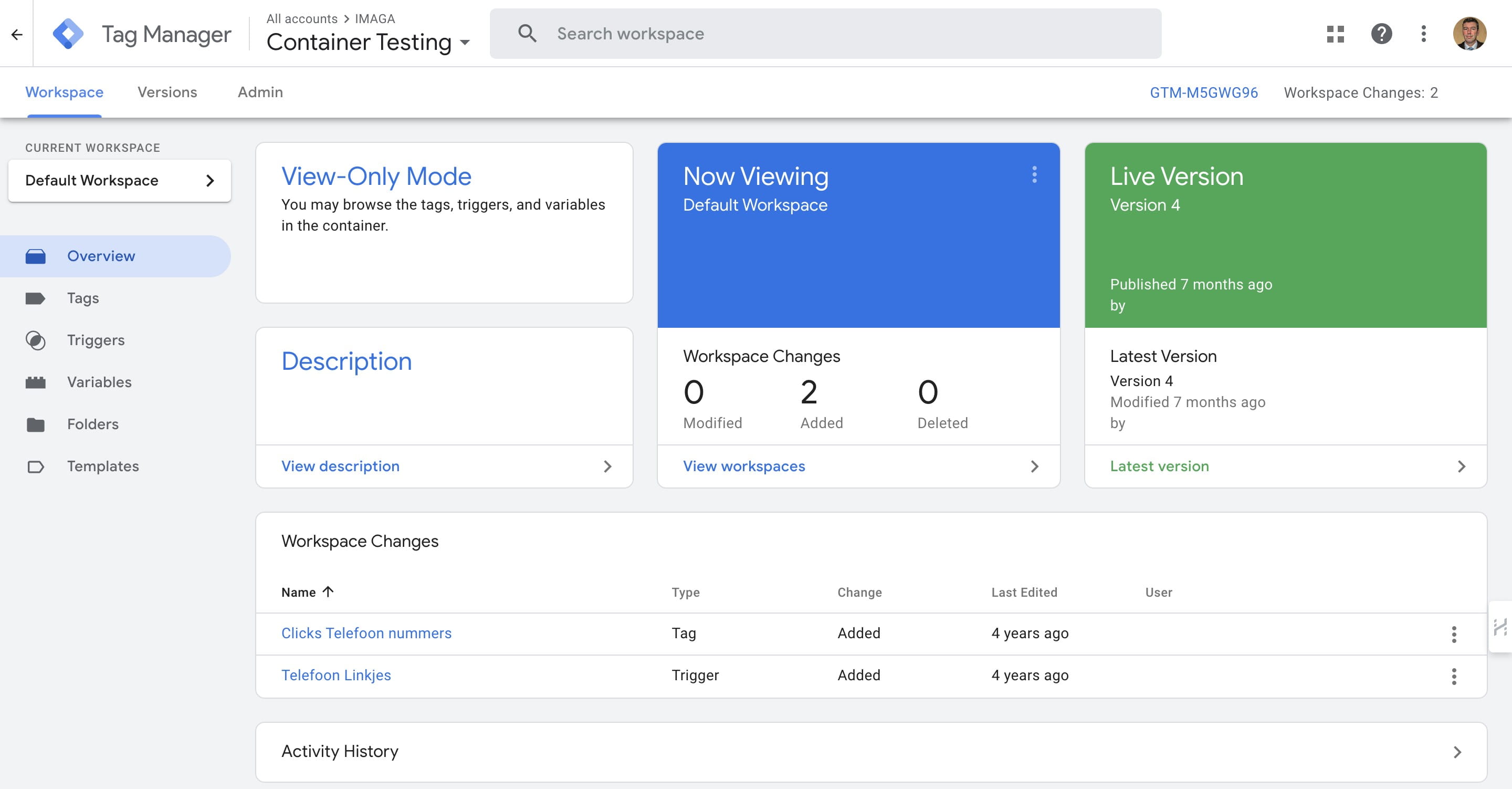
Click 'User Management'
4
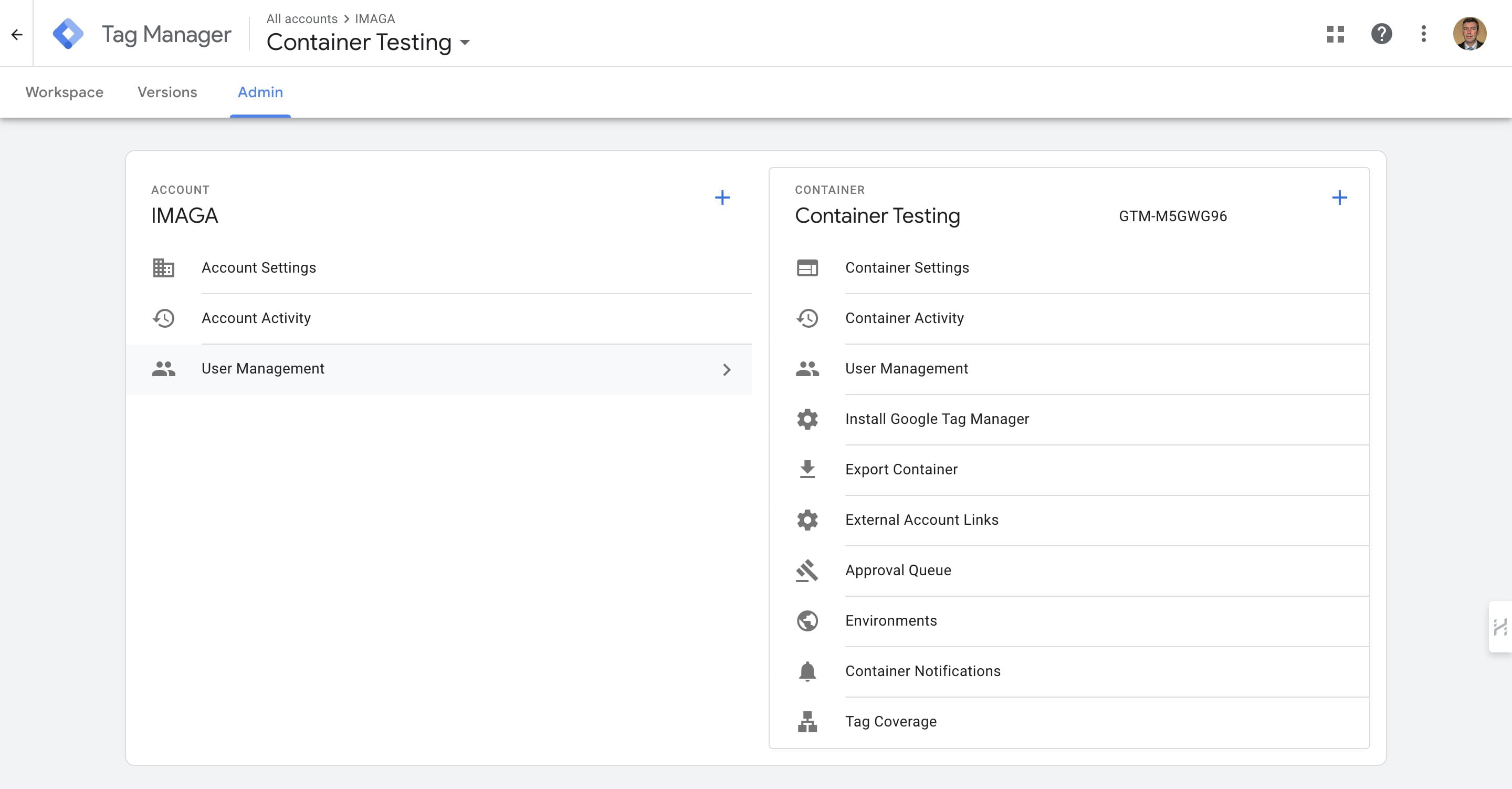
Click '+' icon
5
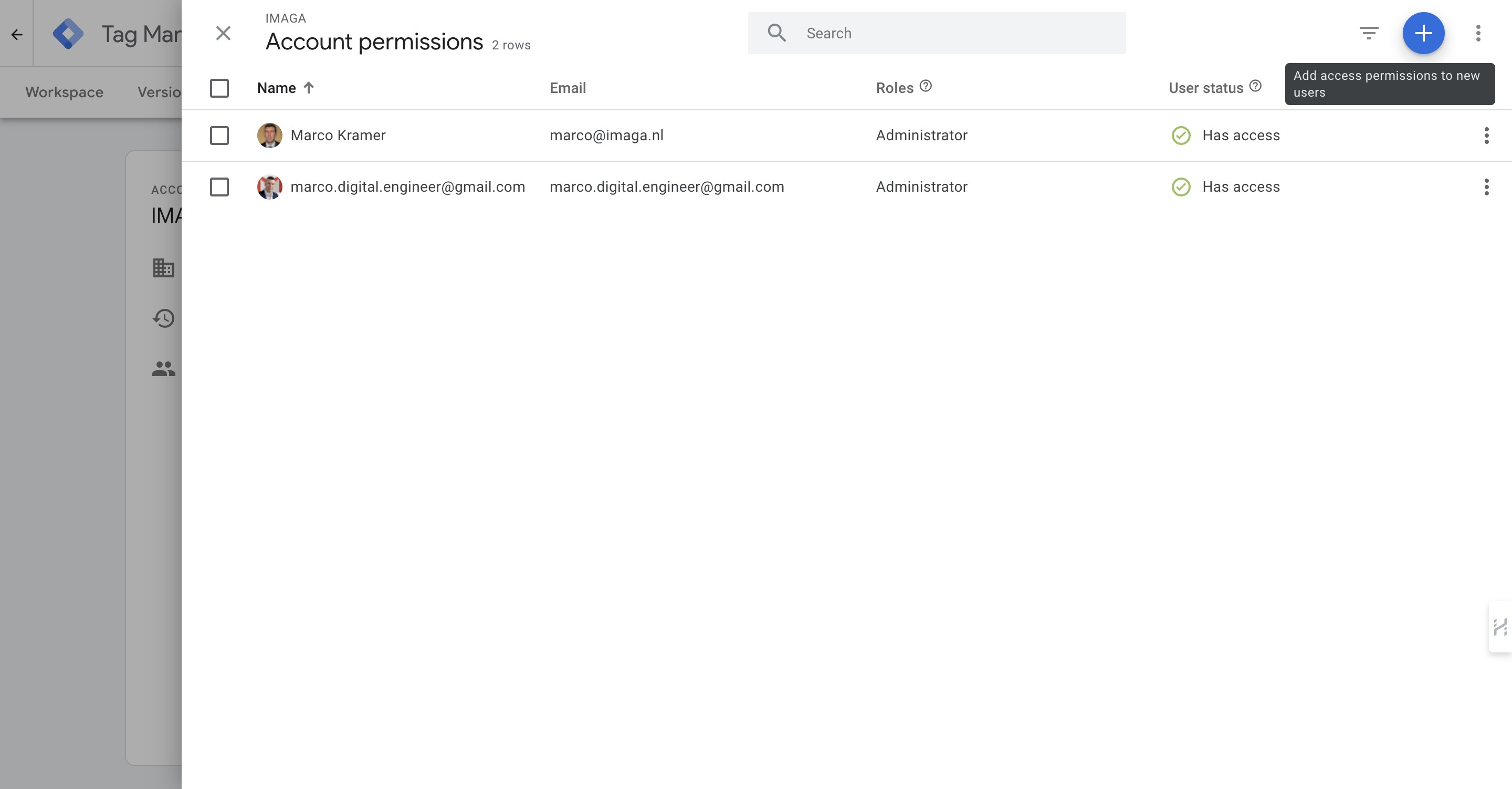
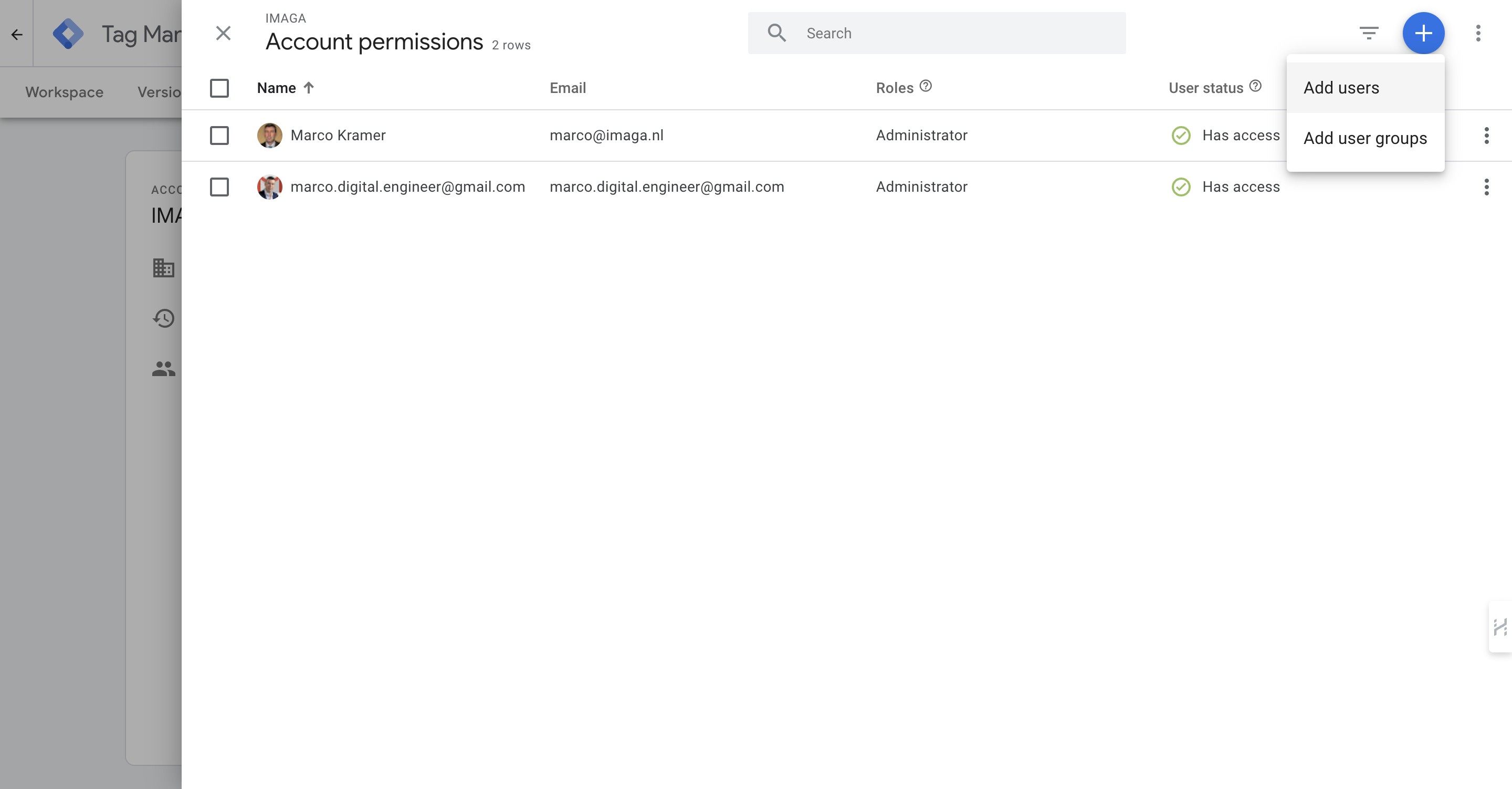
Click on "Add users"
6
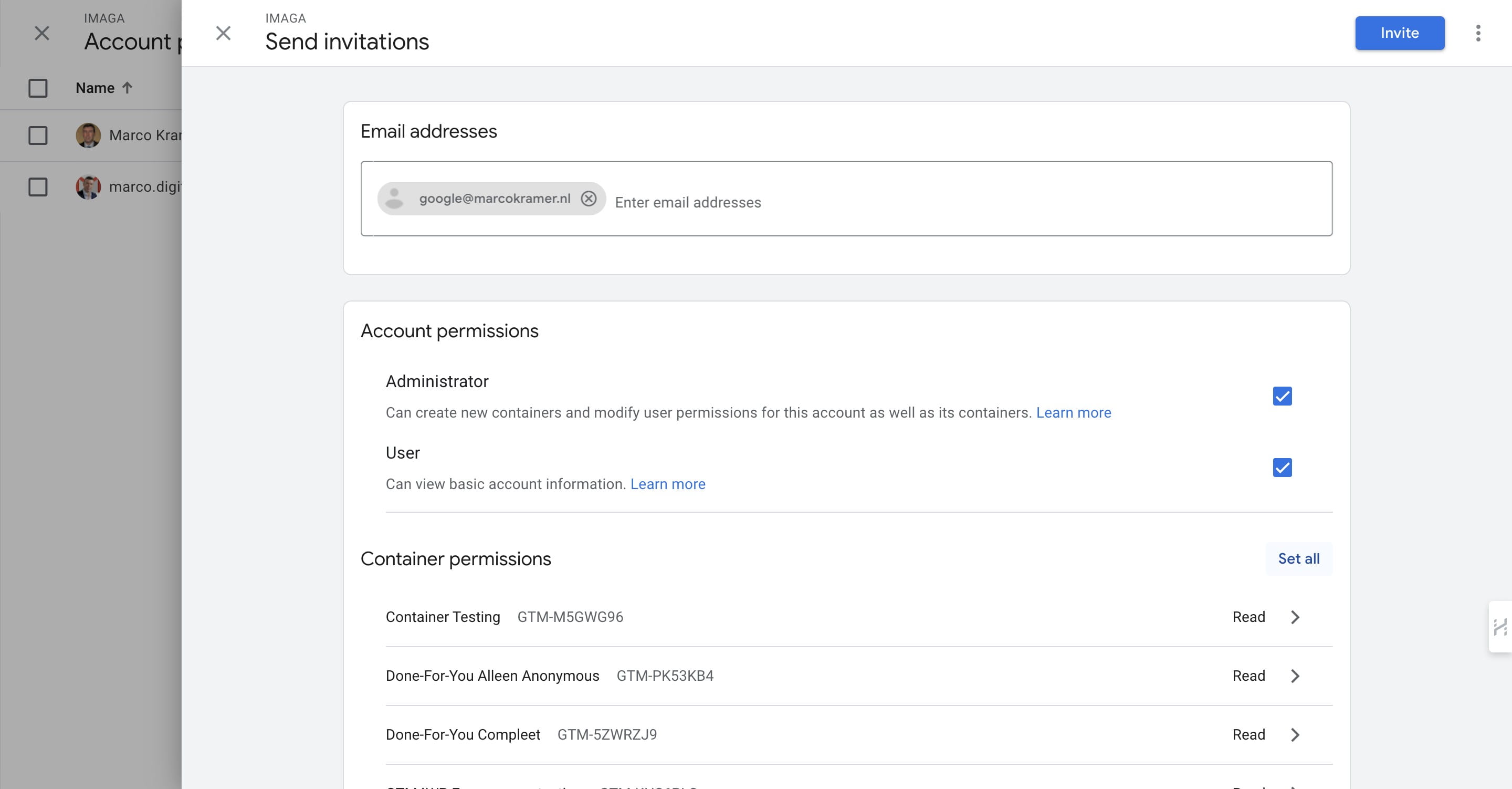
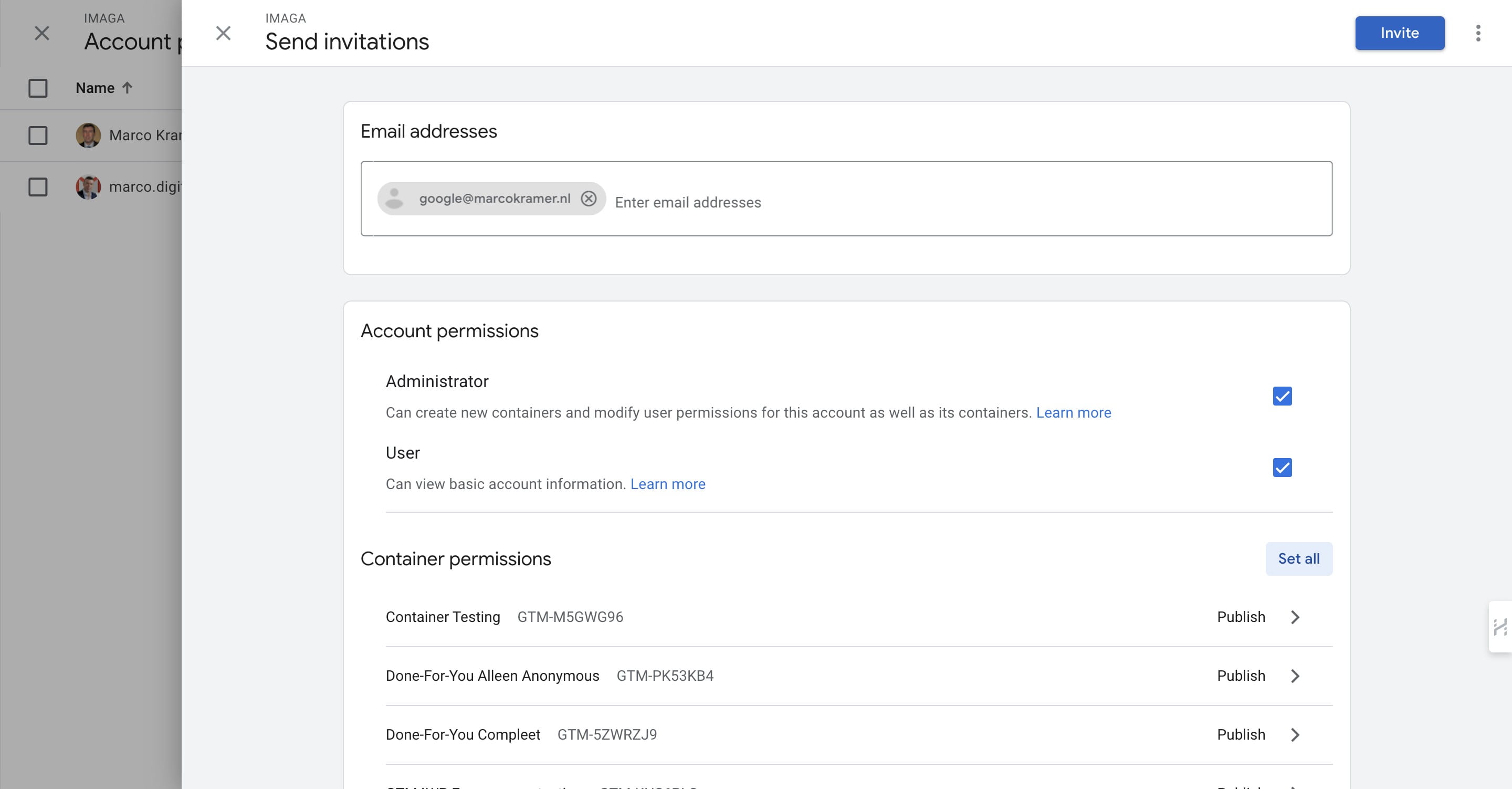
Add the emailadress (The email must be connected to a Google Account. Learn more).
).](https://assets.guidejar.com/uploads/012104a1-a11e-4825-8ab1-ab5a827b0cbf/s8140o0SD1bFtvRYLMqpeiu4wmm2/86645a95-0564-4f43-ac3e-936b49038a7d/1708936360435.jpeg)
7
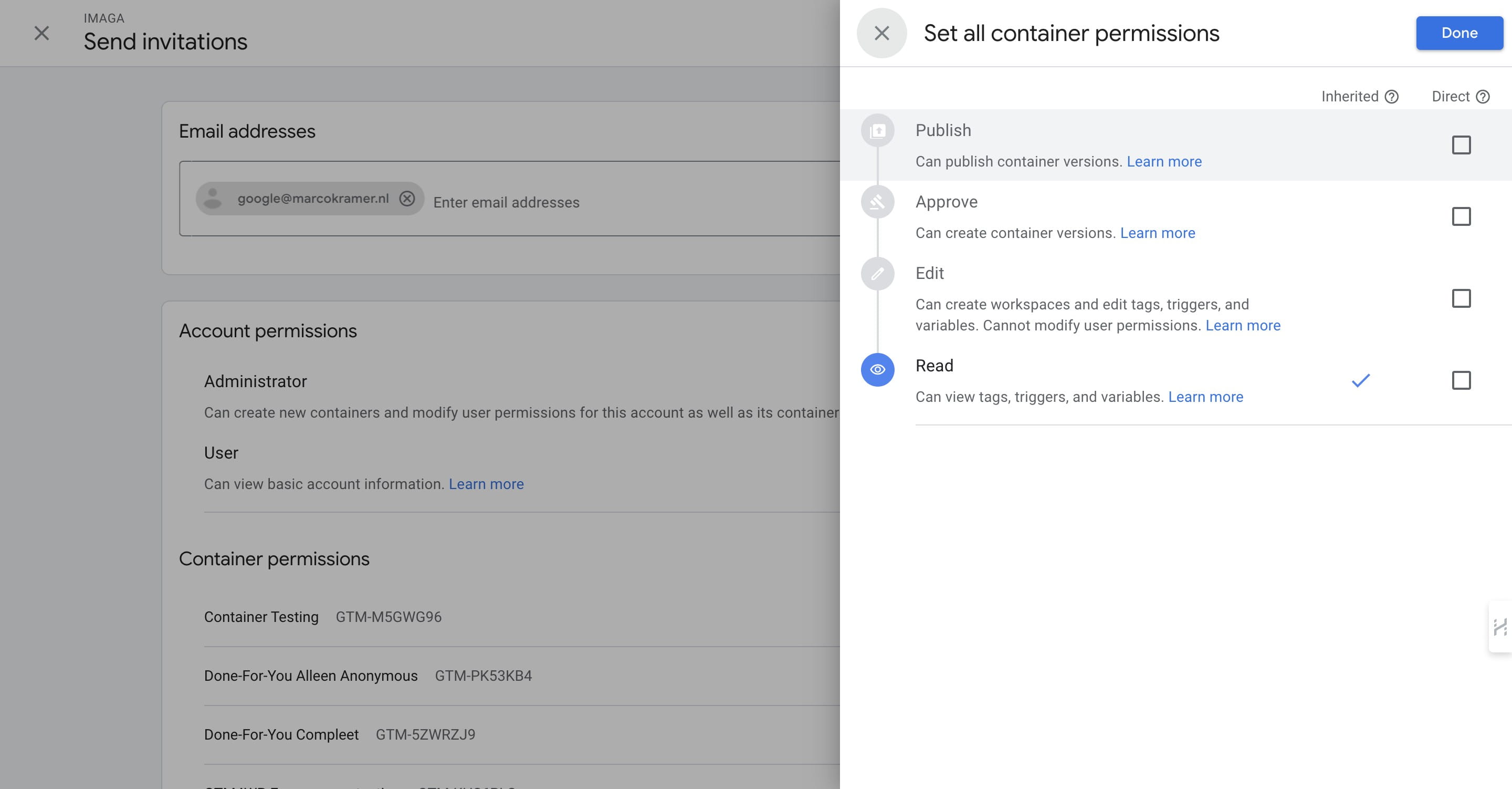
Click on "Set all" to set all Read/Write permissions
8
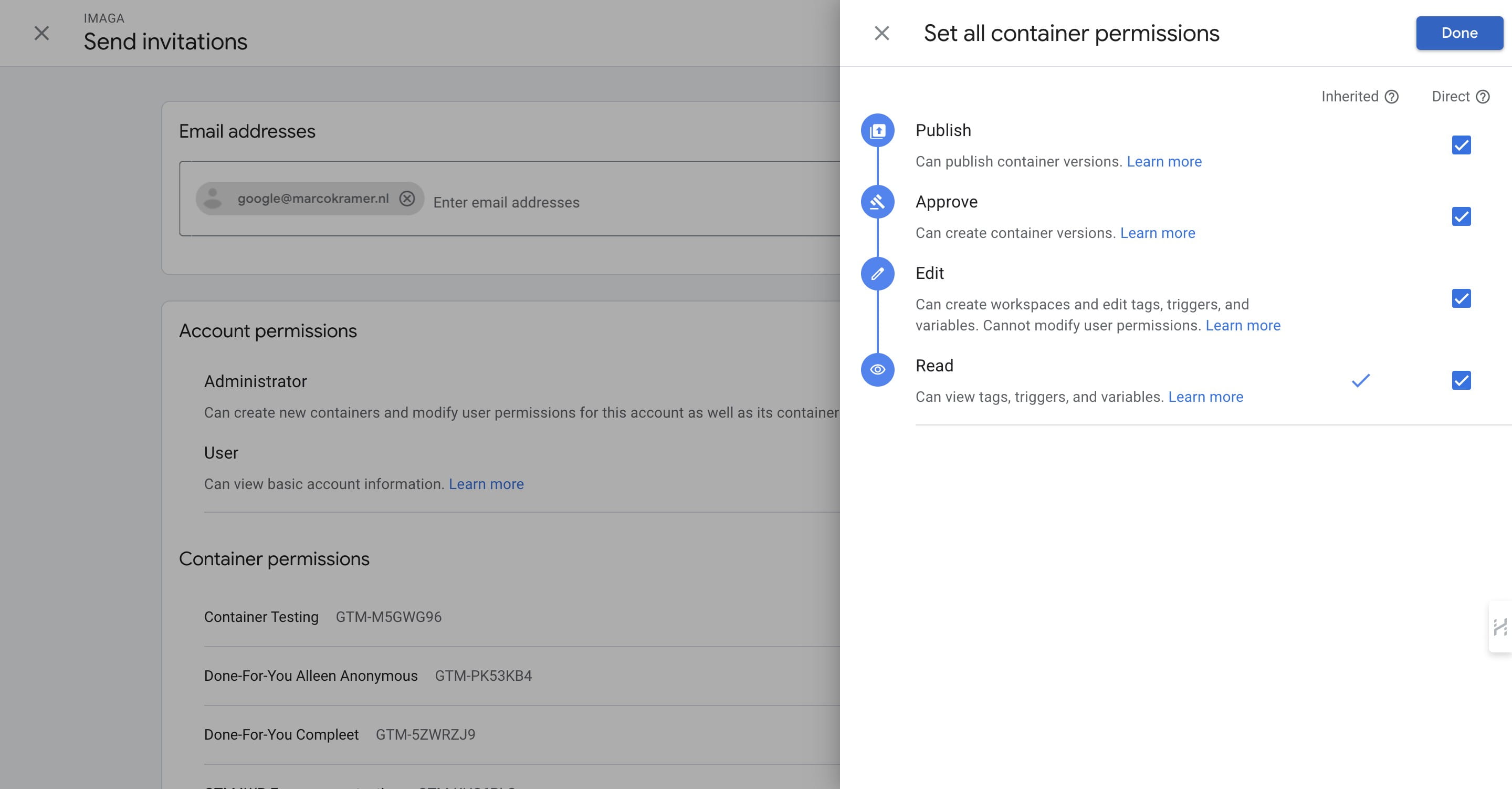
Click Publish to set all permissions (required)
9
Click on "Done"
10
Click 'Invite' to send an email to the person you want to invite
11
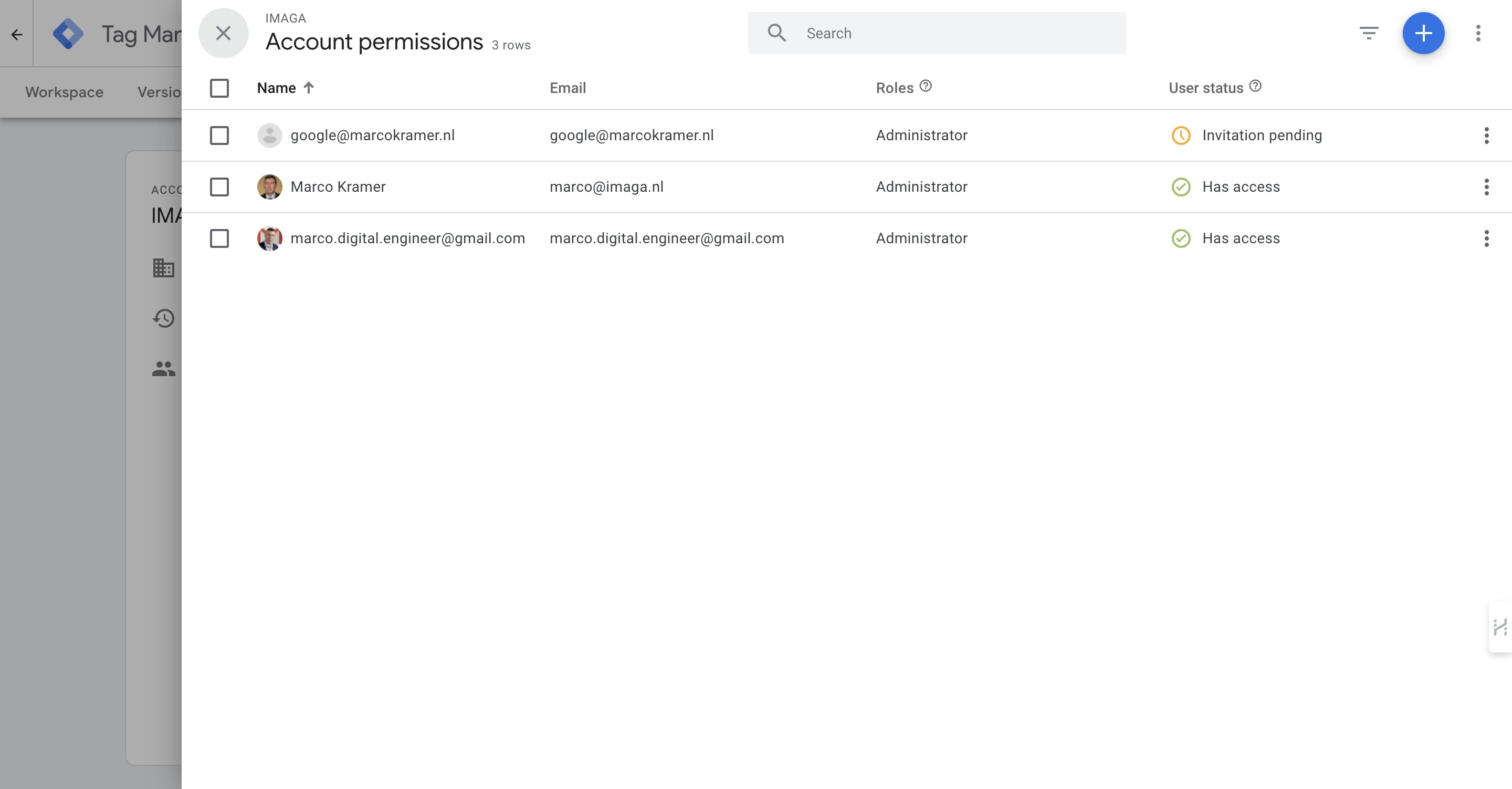
You can now close the pop-up
12
Done 🚀