Google Analytics 4: Filter your own traffic
Feb 26, 2024●
1
Navigate to https://analytics.google.com
2
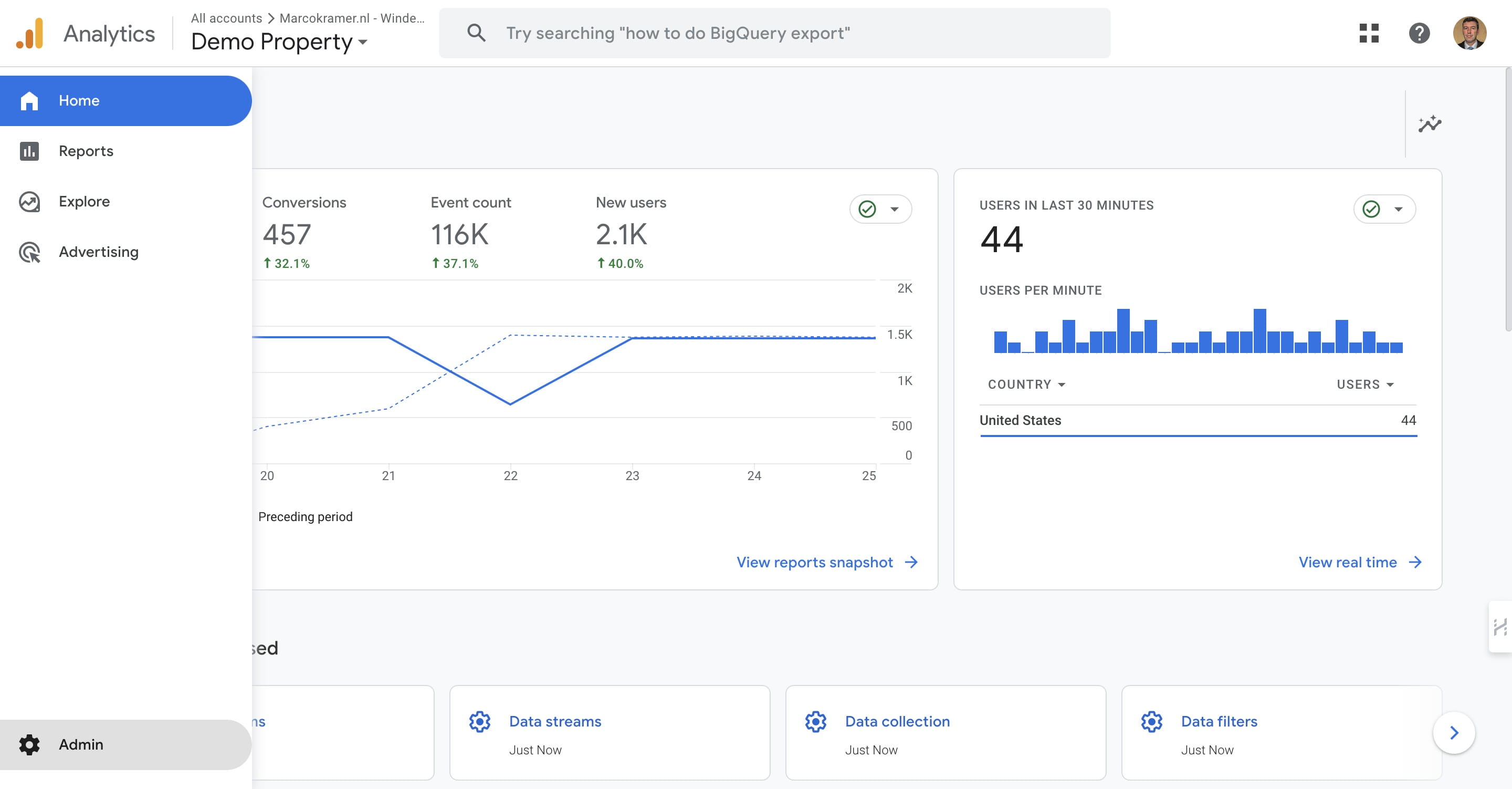
Click on "Admin" bottem left
3
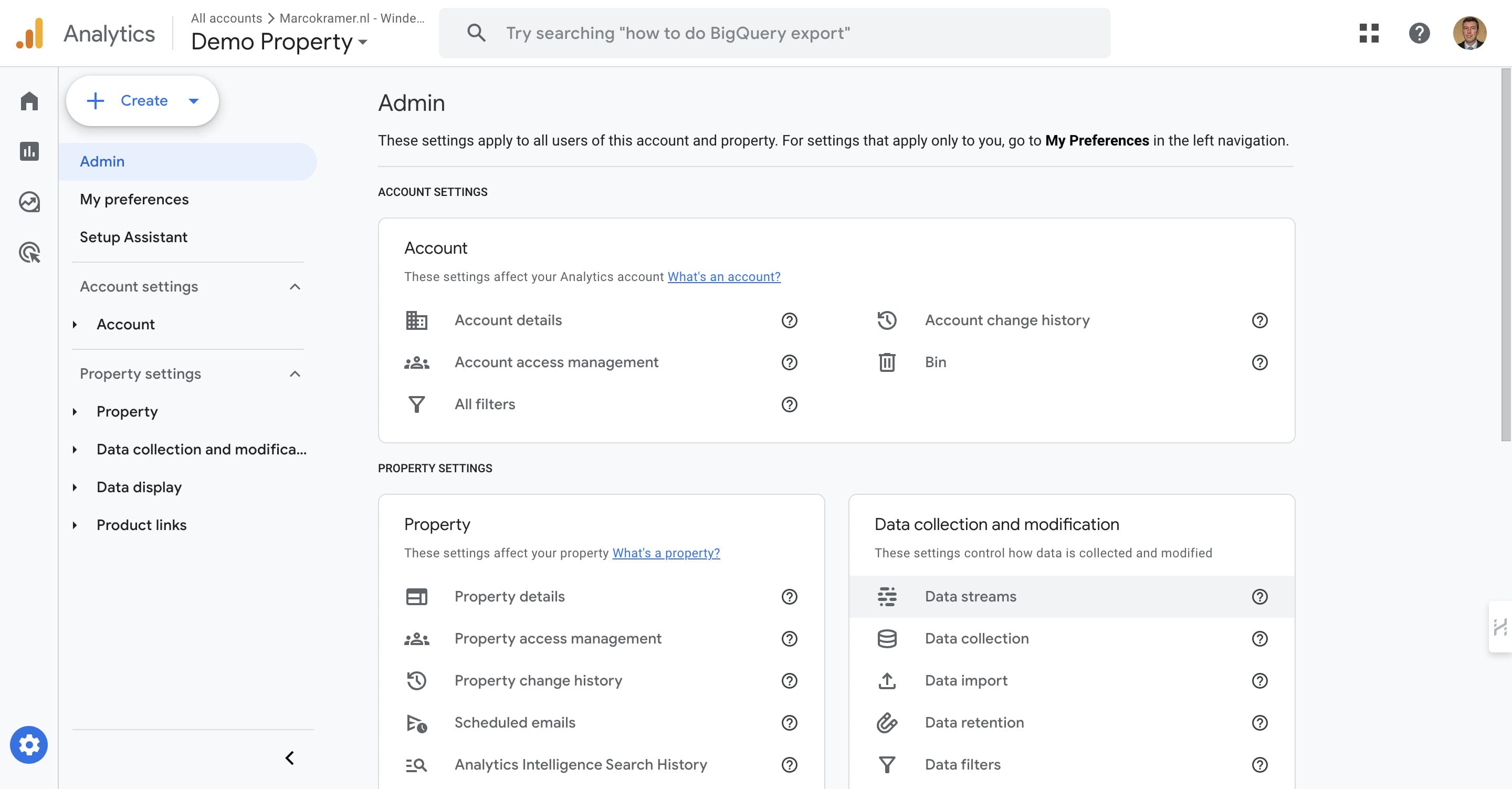
Click on "Data streams"
4
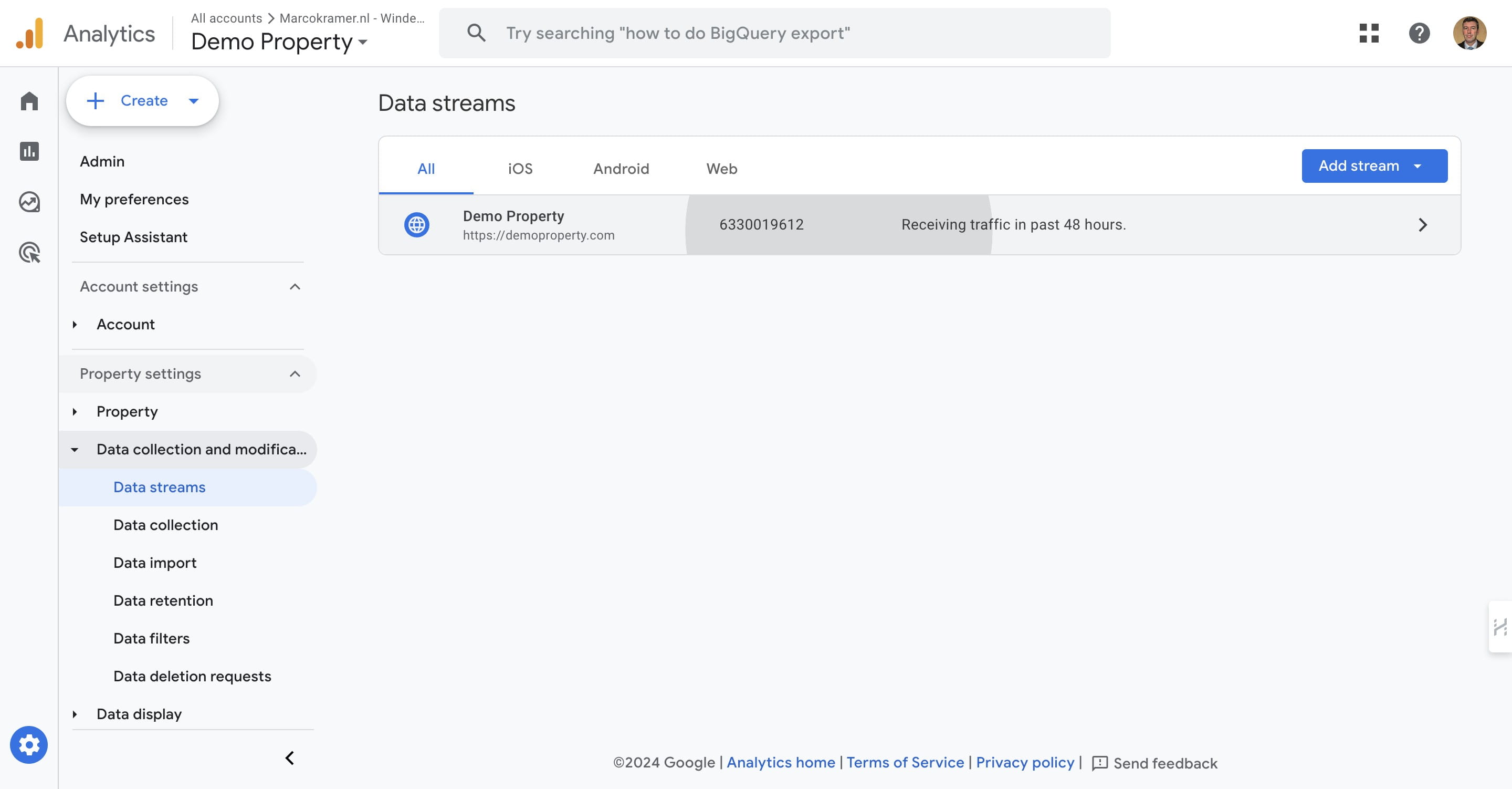
Click on your Data stream
5
Click on "Configure tag settings"
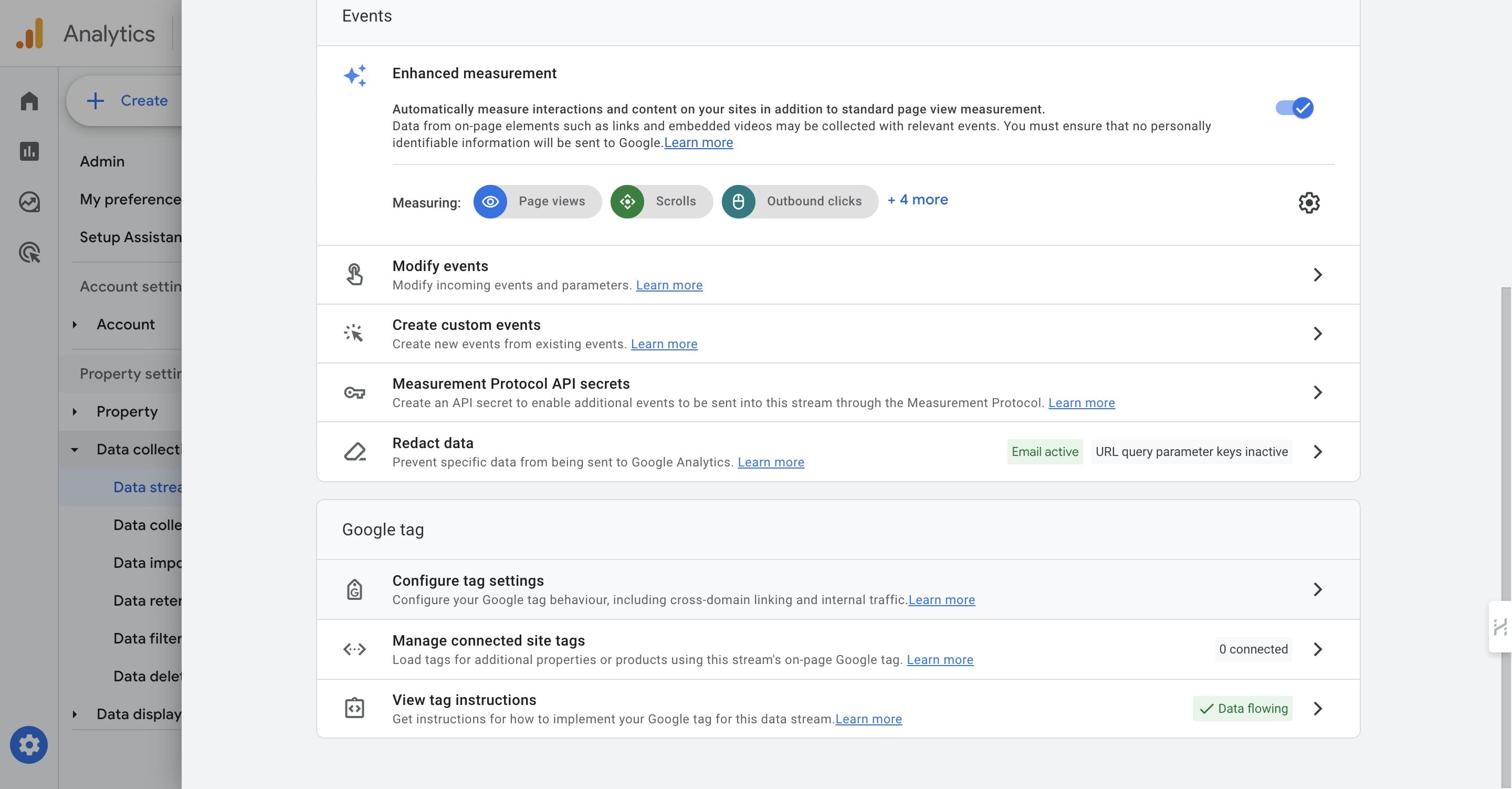
6
Click 'Show More'
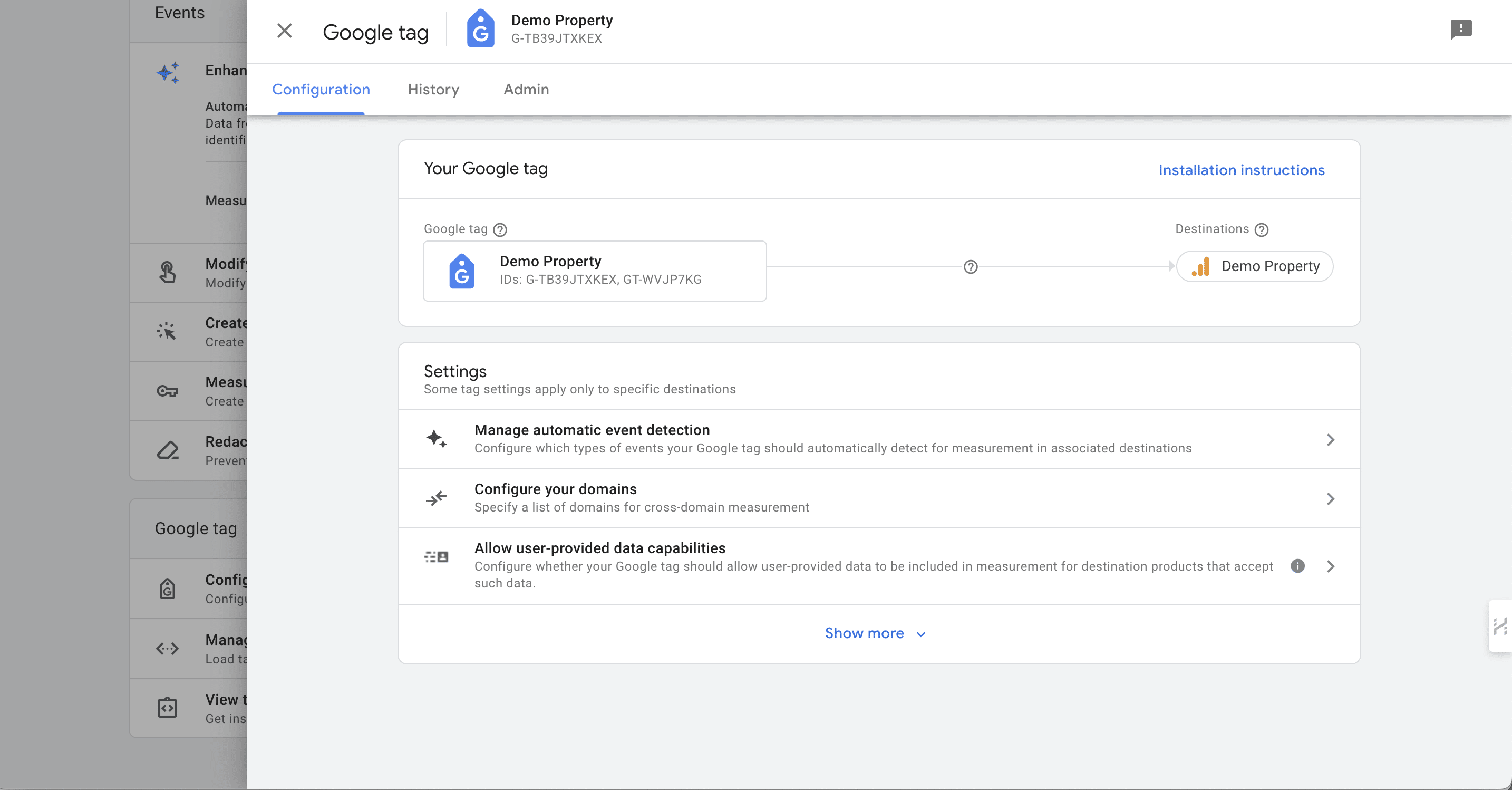
7
Click 'Define internal traffic'
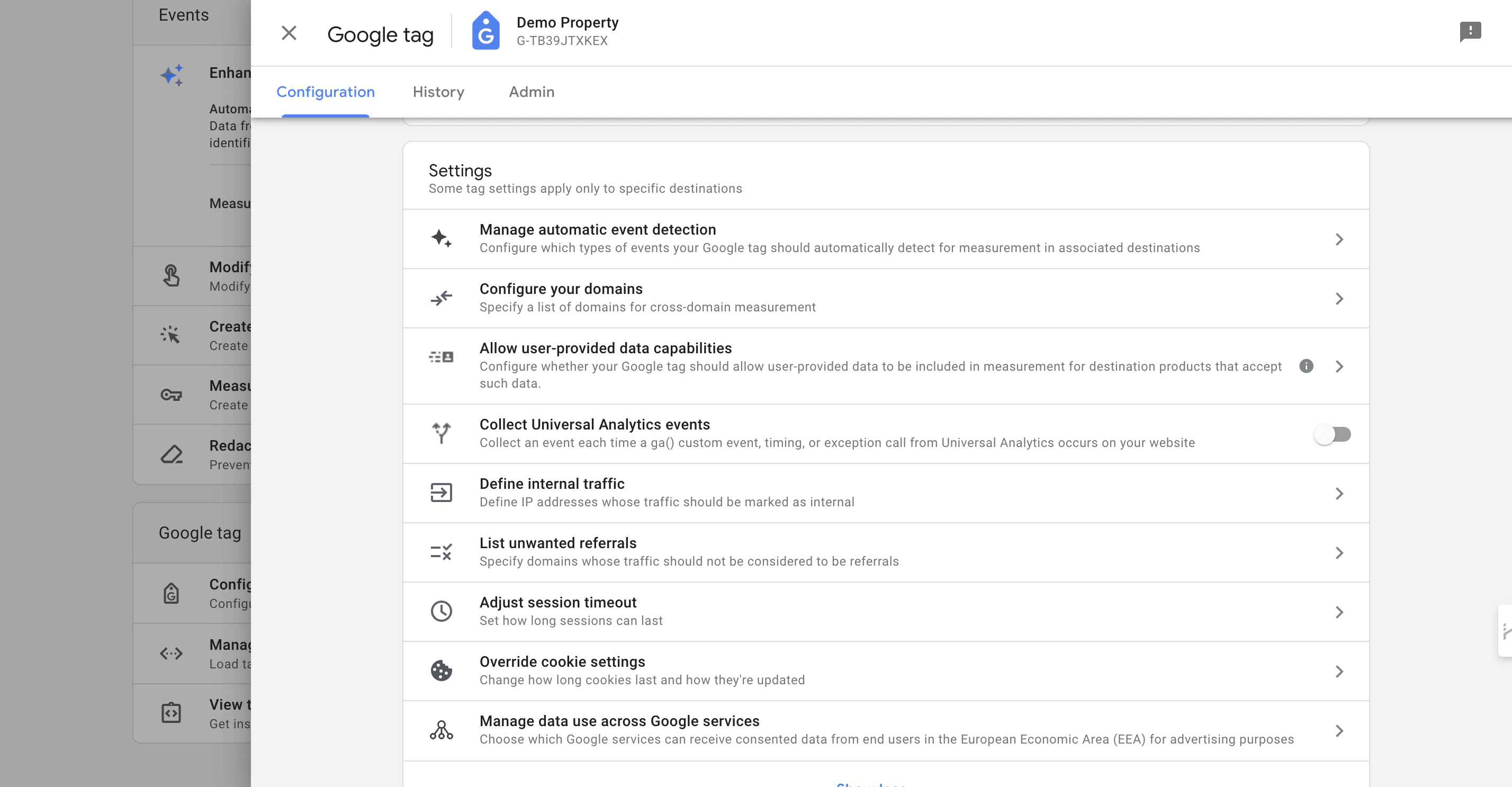
8
Click 'Create' to add a new IP-filter
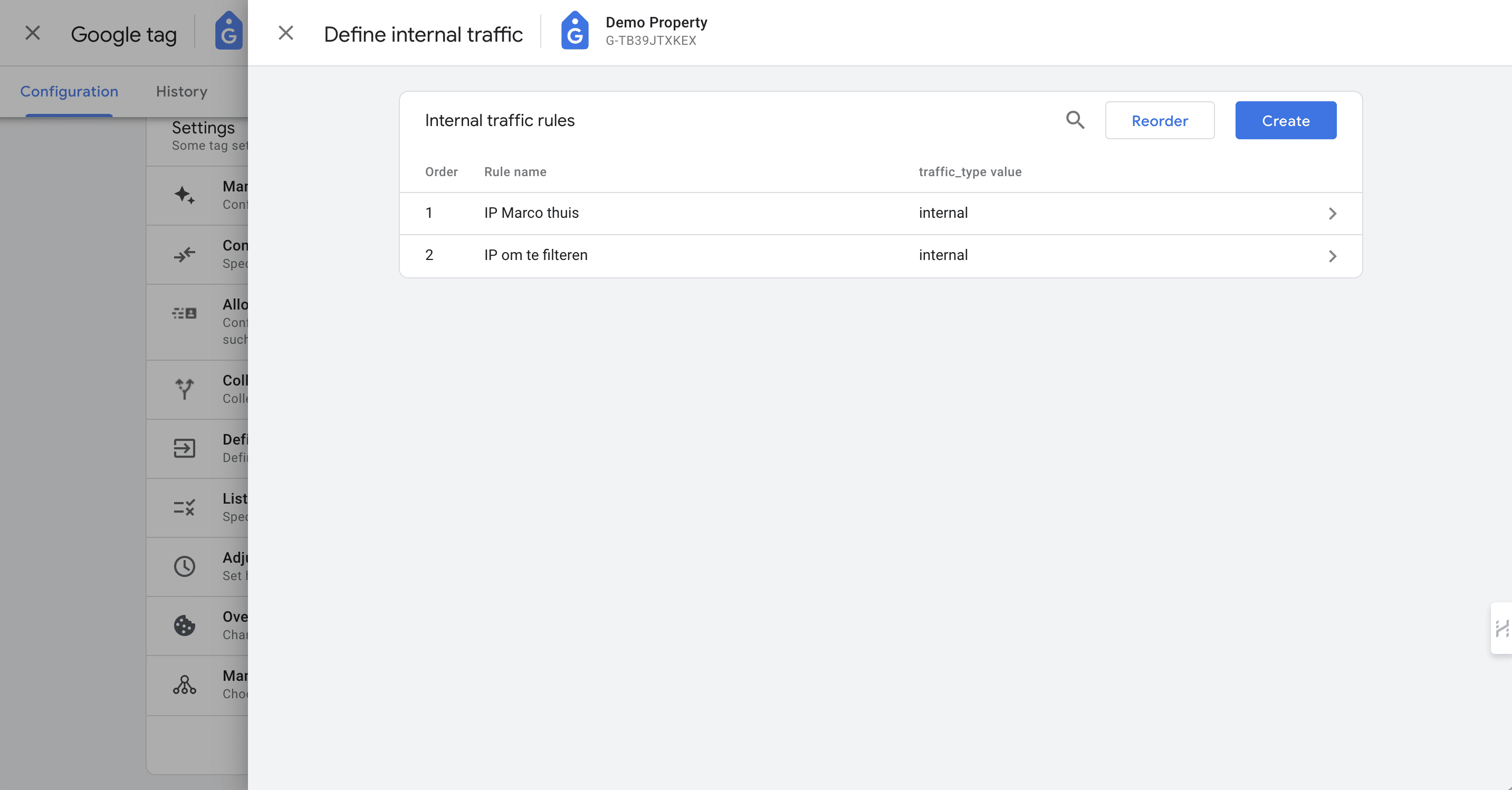
9
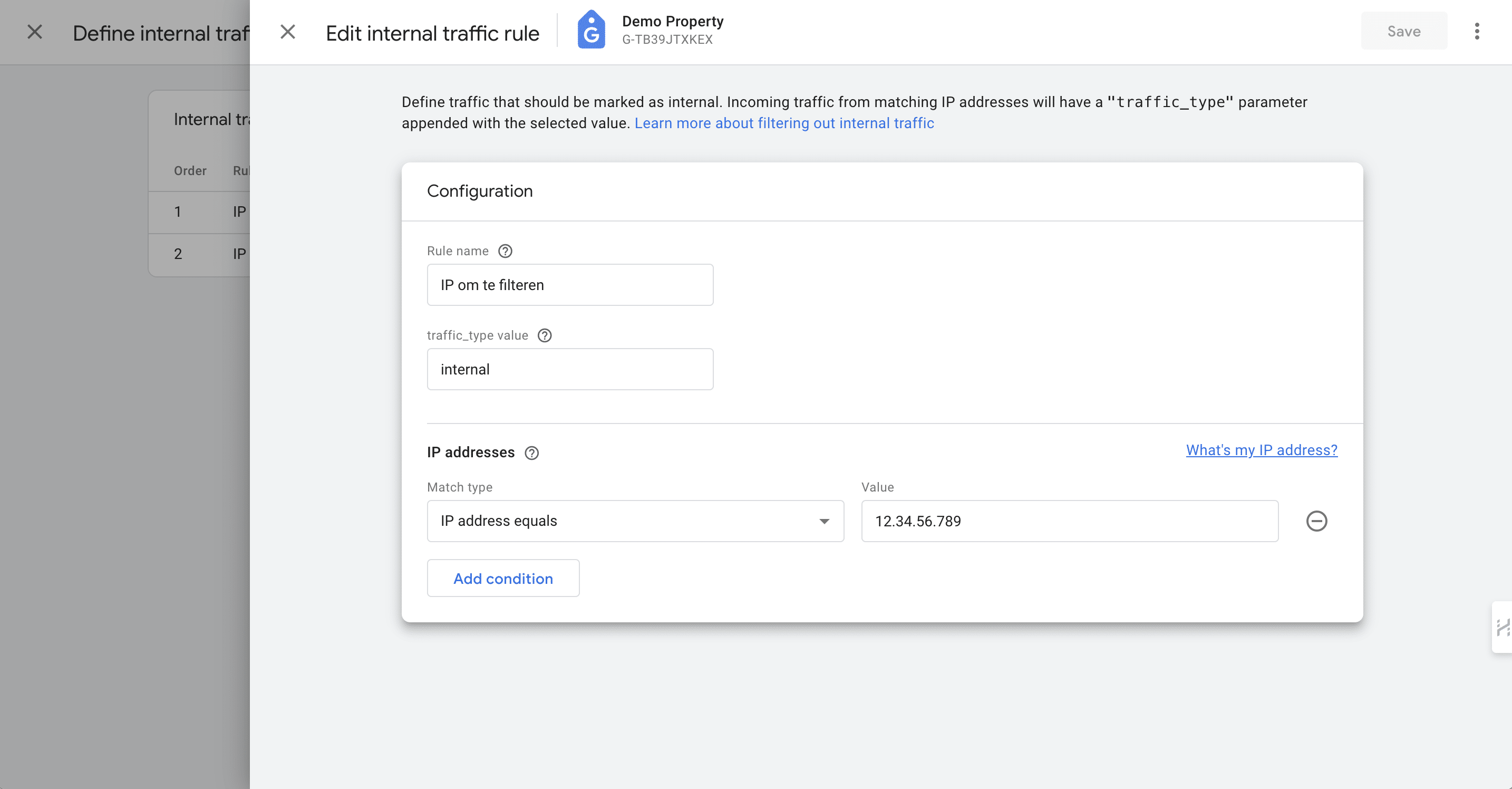
Add details: Rule name, select 'IP address equals' and add your IP-adress. Click 'Save'
10
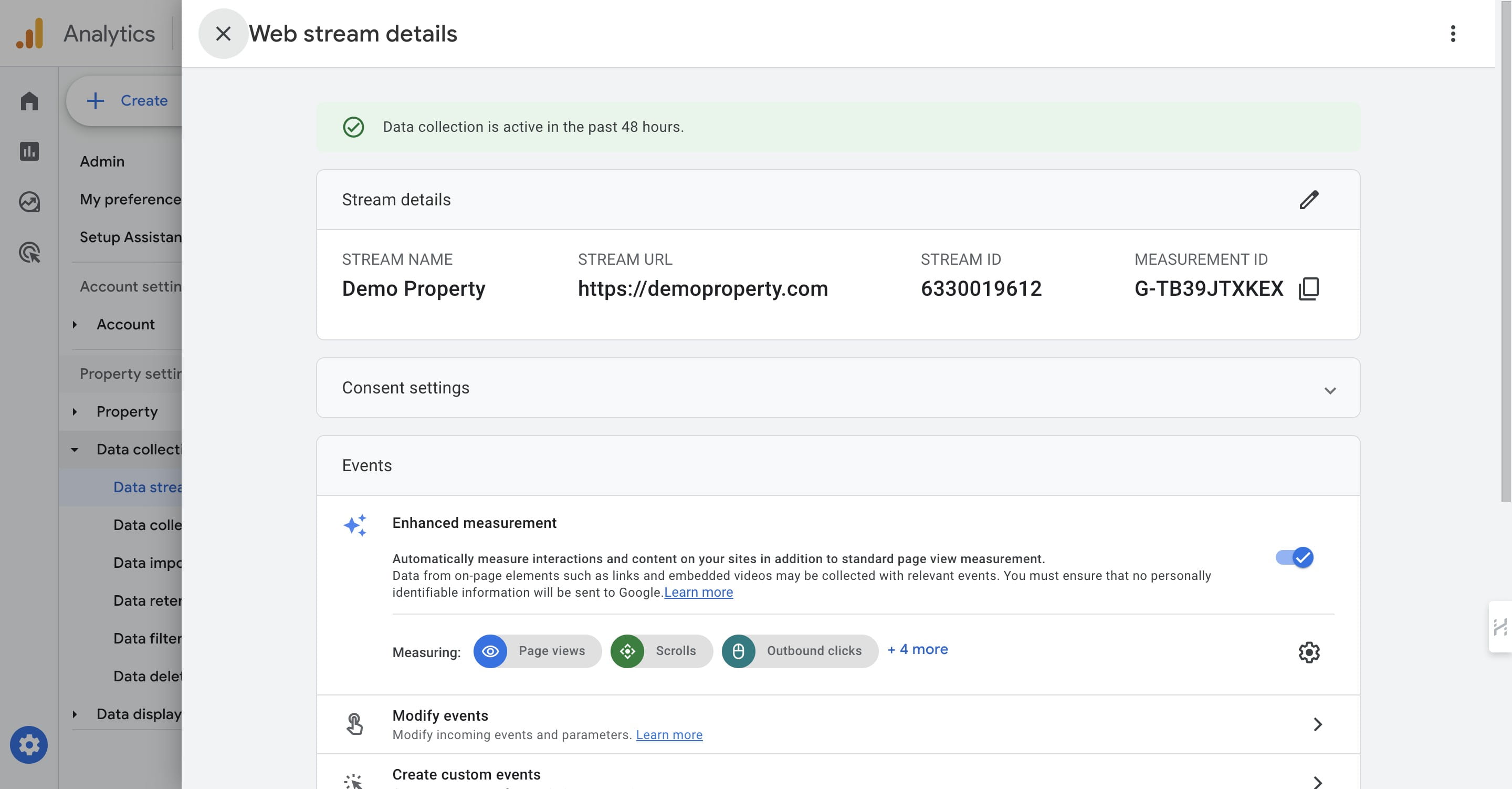
Close the pop-up
11
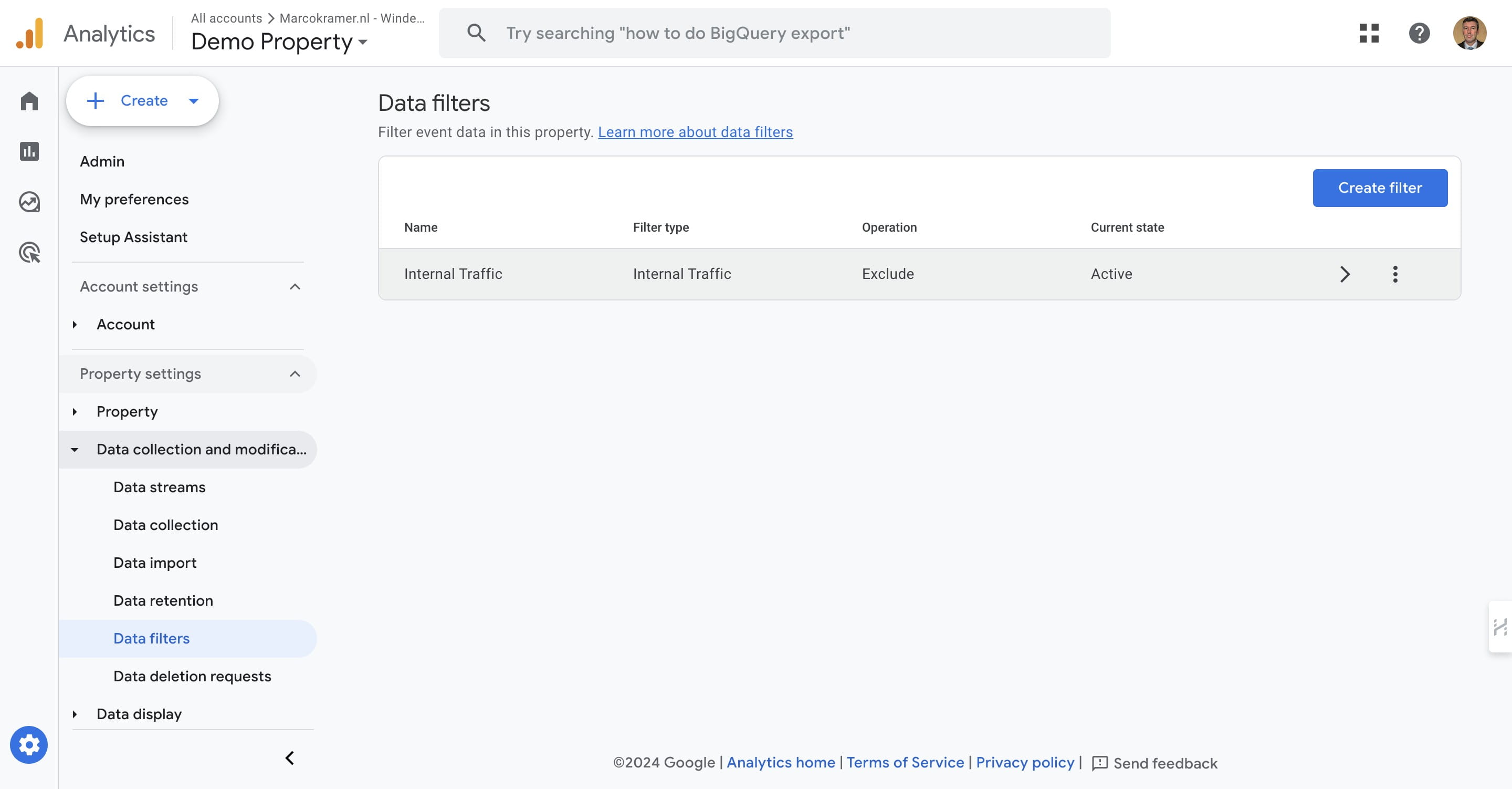
Click on "Internal Traffic"
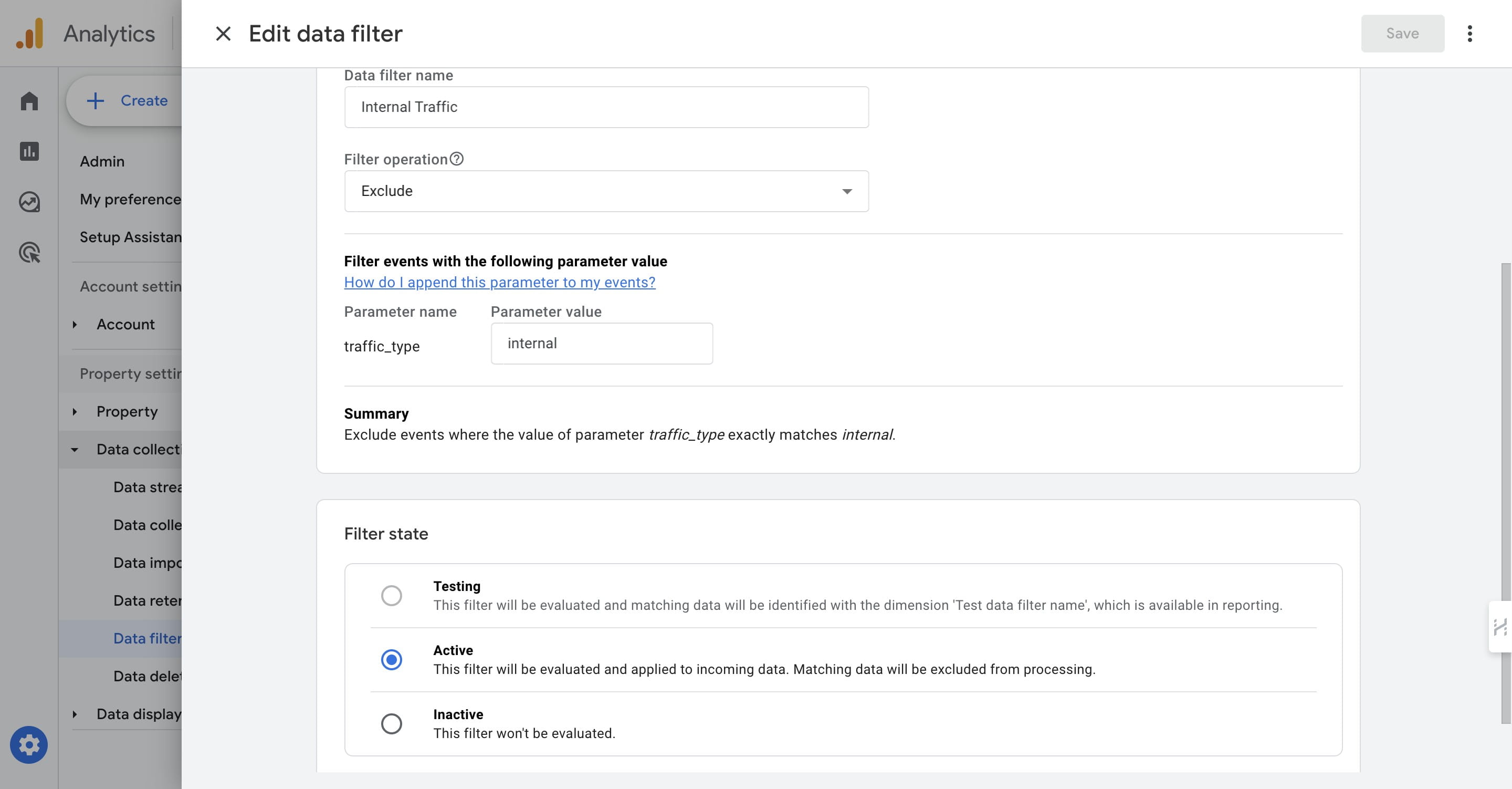
12
Set to 'Active' and done 🚀